
Download Fireleaf
Chat, code and build with open models on your own PC. Free to start.
Version 1.1.0 · Windows 10 and 11, 64-bit · About 120 MB
Get started
Install Fireleaf on your PC, then pair your phone to follow along from anywhere in the house.
Desktop
All of Fireleaf, in one app. Runs your models on your own graphics card.
Phone
Fireleaf Companion: watch a run, answer approvals and send prompts. It opens in your phone's browser on iPhone or Android, with nothing to install from a store.
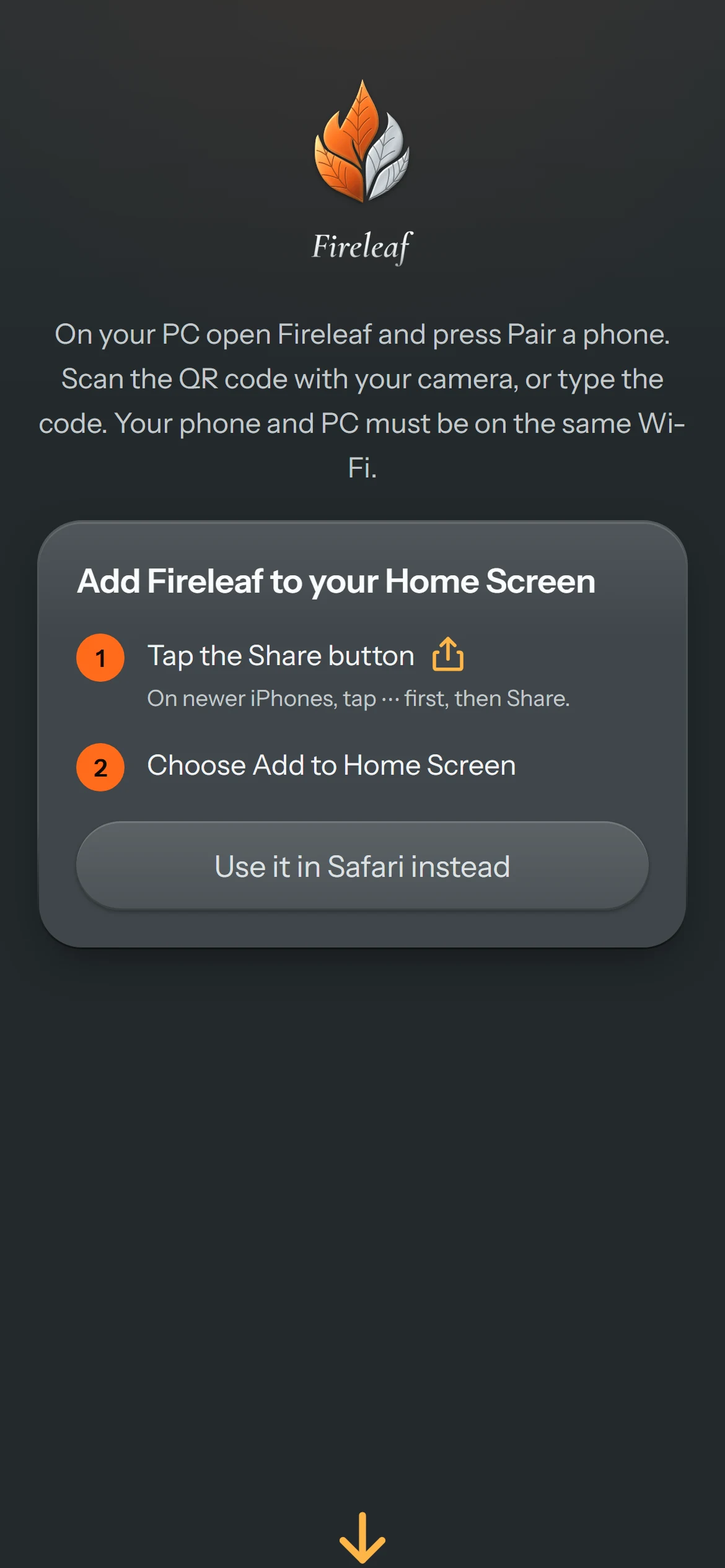
- Open Fireleaf on your PC and choose Pair a phone.
- Scan the code with your phone's camera. To pair, your phone and your PC need to be on the same Wi-Fi.
- On iPhone, add it to your Home Screen. On Android, keep it open in your browser.
With Away from home switched on in Fireleaf, a companion page that is already open keeps reaching your PC through an encrypted relay after you leave the Wi-Fi. Opening the companion fresh away from home needs a hosted companion page that is not published yet.
Before you install
Fireleaf runs models on your own hardware, so a stronger graphics card means bigger, faster models.
System requirements
- System
- Windows 10 or 11, 64-bit
- Graphics
- NVIDIA card recommended; the Model Store shows what fits
- Memory
- 16 GB or more is best
- Disk
- About 400 MB for the app, plus your models
- Admin rights
- Not needed: it installs for your account
Updates
Fireleaf downloads updates in the background and installs them when you close it, never in the middle of a task. An update keeps everything:
- Your settings, conversations and models
- Your plan and your paired phone
- Your shortcuts and taskbar pin
What's new in 1.1.0
- Pro is $7 a month and Ultra $17 a month, or two months free yearly. All plus tax.
- Try Pro free for 14 days with no card, and a founder lifetime licence for the first 500 people.
- Every model you have loaded can now be a subagent model.
- Fireleaf reads and creates Word, Excel, PowerPoint and PDF files, and searches across your documents.
Questions
Is Fireleaf free?
Yes. Everything you need day to day is free. Pro and Ultra add tuned models, more agents and more PCs, and you can try Pro free for 14 days.
Windows says it protected my PC. Is that normal?
Fireleaf is new and its installer is not code-signed yet, so Windows SmartScreen may warn the first time. Choose More info, then Run anyway. Download Fireleaf only from this site.
Can I use the same plan on more than one PC?
Yes. Plans belong to your free Fireleaf account, so they follow you to every PC you sign in on.
How do I uninstall it?
Open Settings, Apps in Windows and uninstall Fireleaf. Your conversations and settings stay in your user folder unless you delete them.